Admin UI
Acteon ships with a built-in web-based admin dashboard for monitoring, inspecting, and managing your action gateway in real time. The UI connects to the same REST API used by the client SDKs.
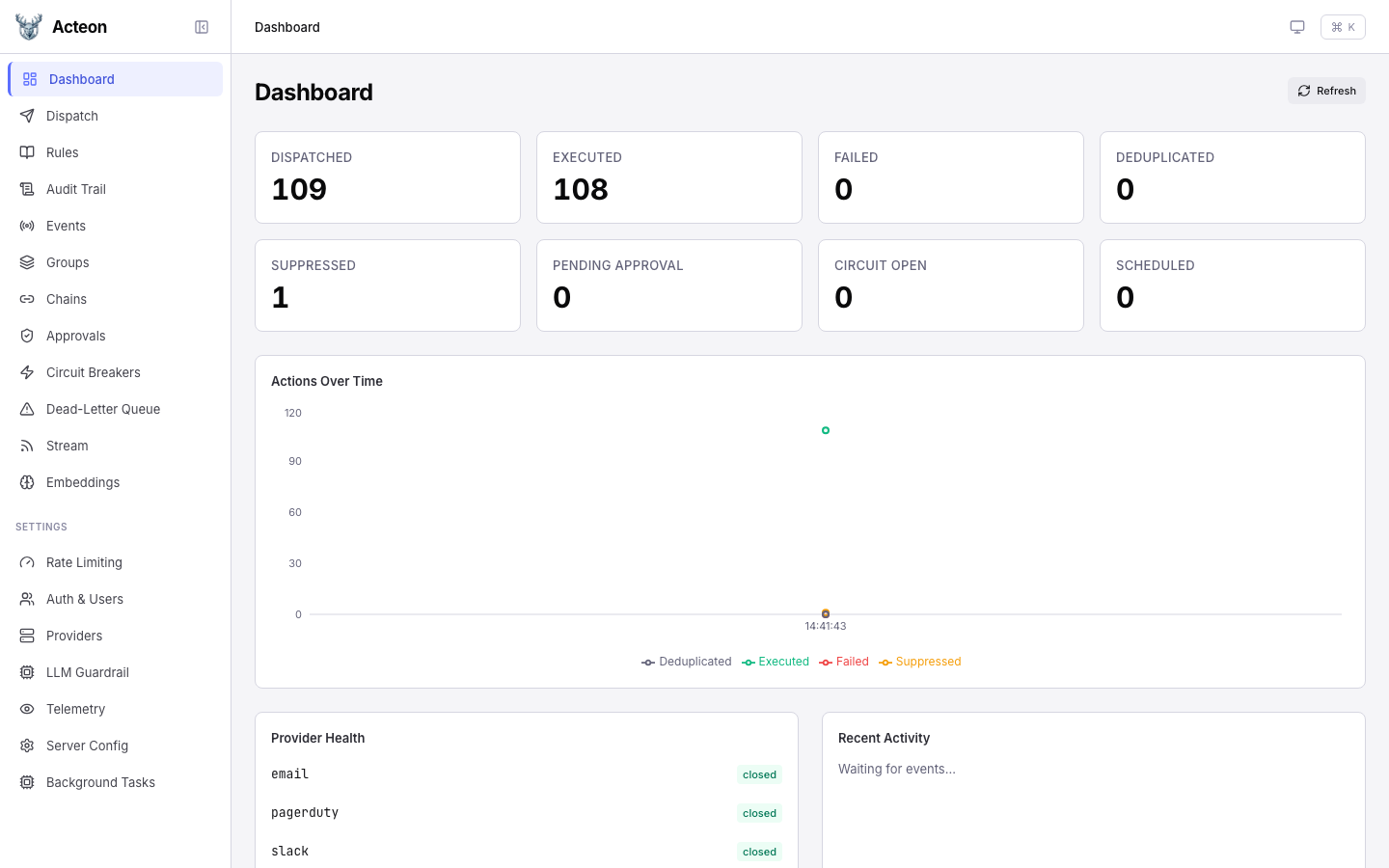
Features
Operations
Dispatch actions, browse rules, inspect the audit trail, manage approvals, and monitor chains.
Quick Start
The admin UI is served by the Acteon server. No separate installation is required.
Development Mode
To run the UI locally with hot-reload for development:
# Terminal 1: Start the Acteon server
cargo run -p acteon-server -- -c examples/simulation.toml

# Terminal 2: Start the Vite dev server (proxies API to port 8080)
cd ui
npm install
npm run dev
The dev server starts at http://localhost:5173 and proxies all API calls to the backend on port 8080.
Production Mode
In production, build the UI as static assets and serve them with the Acteon server or behind a reverse proxy:
Tip
The dev server proxy is configured in ui/vite.config.ts. All /v1/*, /admin/*, /health, and /metrics paths are forwarded to the backend.
Dark Mode
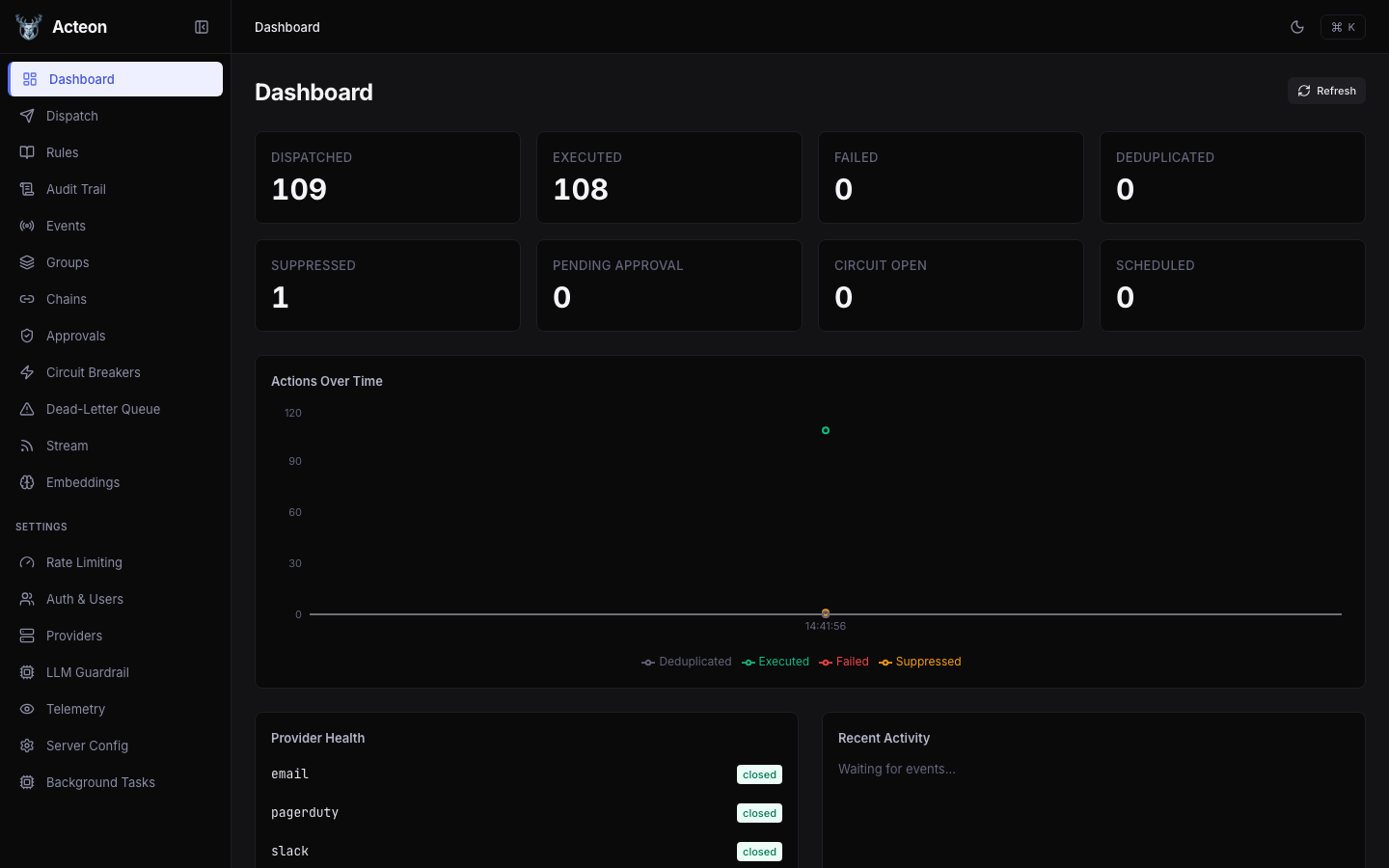
The UI supports system-detected, light, and dark color schemes. Toggle between them on the Settings > Server Config page.
Keyboard Shortcuts
| Shortcut | Action |
|---|---|
| Cmd+K | Open command palette |
| Esc | Close dialogs and drawers |
The command palette provides quick navigation to any page by typing its name.